Guides for images, writing, documents, and code
Clear, practical how-tos written to solve one problem at a time. Each guide explains the method, shows the free options, and points out the mistakes to avoid.

How to Remove the Background From an Image: 4 Free Methods
A clean cut-out used to take an hour of careful work in Photoshop. Today it takes a few seconds. Here's how to do it for free on any device, and how to get edges that actually look professional.
Read the guideGuideHow to Remove the Background From an Image: 4 Free Methods
Remove an image background for free in seconds: with an AI tool, on iPhone, on Mac, or in Windows. Plus tips for clean edges, product photos, and hair.
 Guide
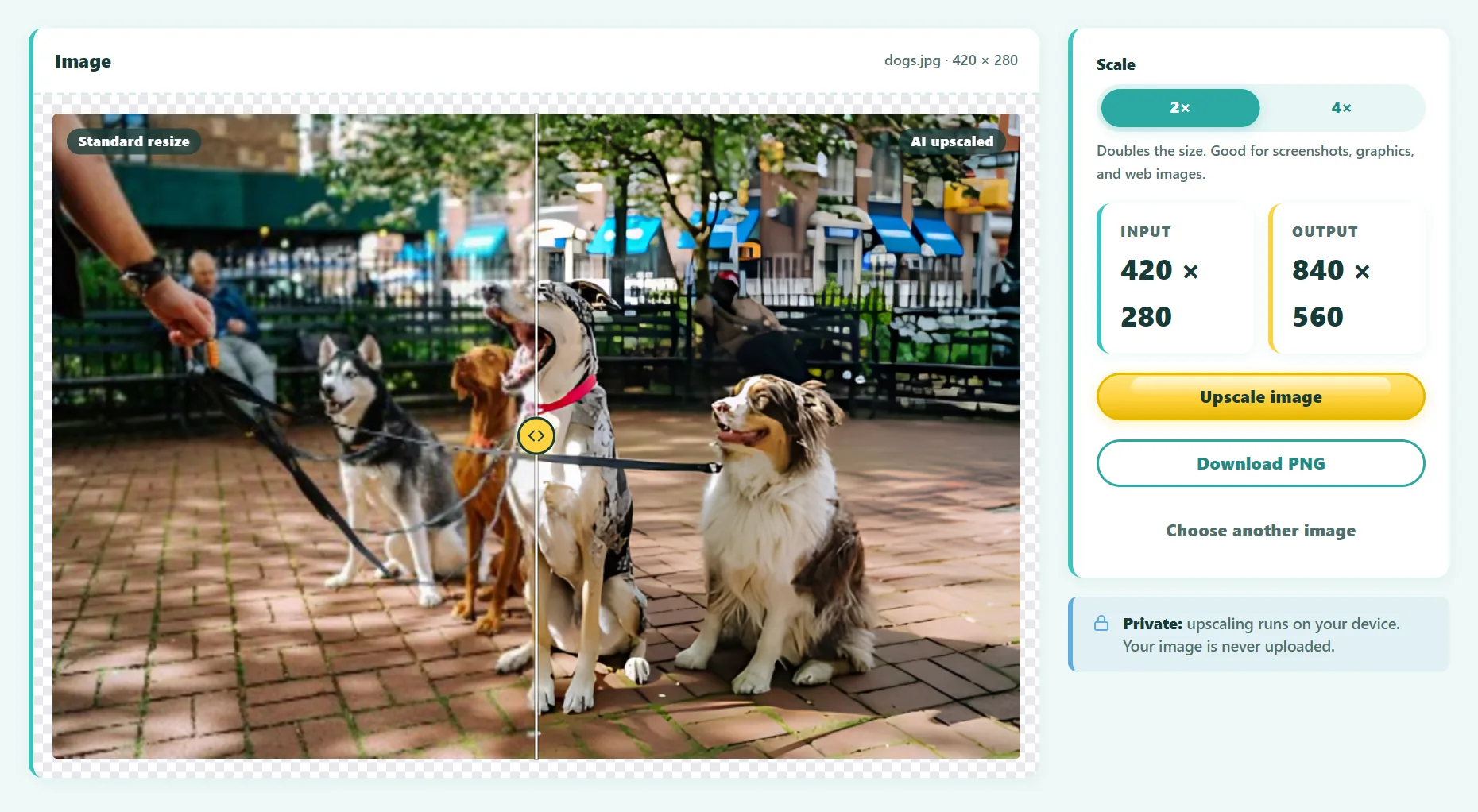
GuideHow to Upscale an Image Without Losing Quality
Why normal resizing makes images blurry, how AI upscaling fixes it, and how to enlarge a photo 2× or 4× for free while keeping it sharp.
 Guide
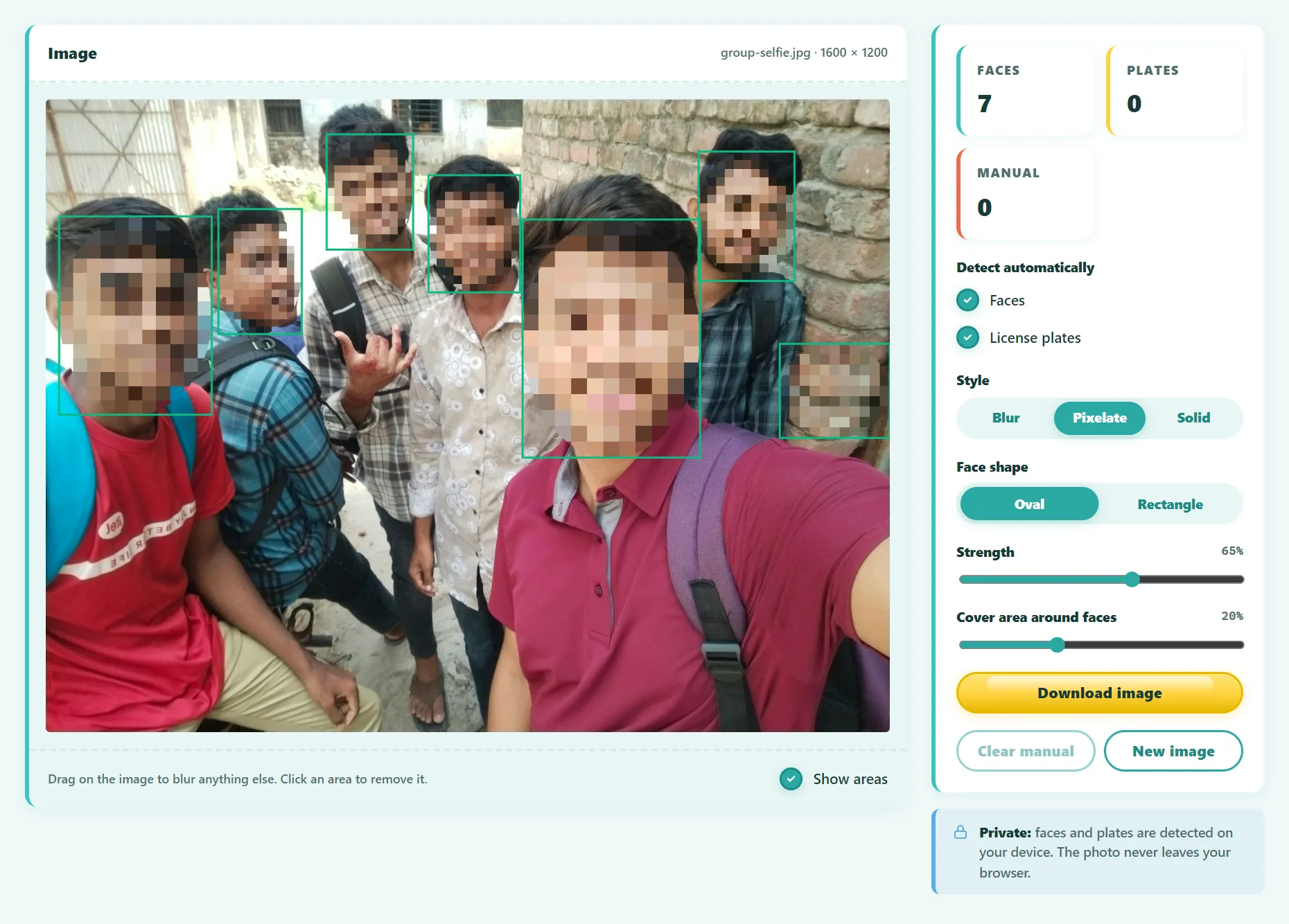
GuideHow to Blur Faces in Photos Before You Share Them
Blur faces and license plates in photos automatically before posting. Which blur style is truly irreversible, when you need consent, and a step-by-step guide.
 Guide
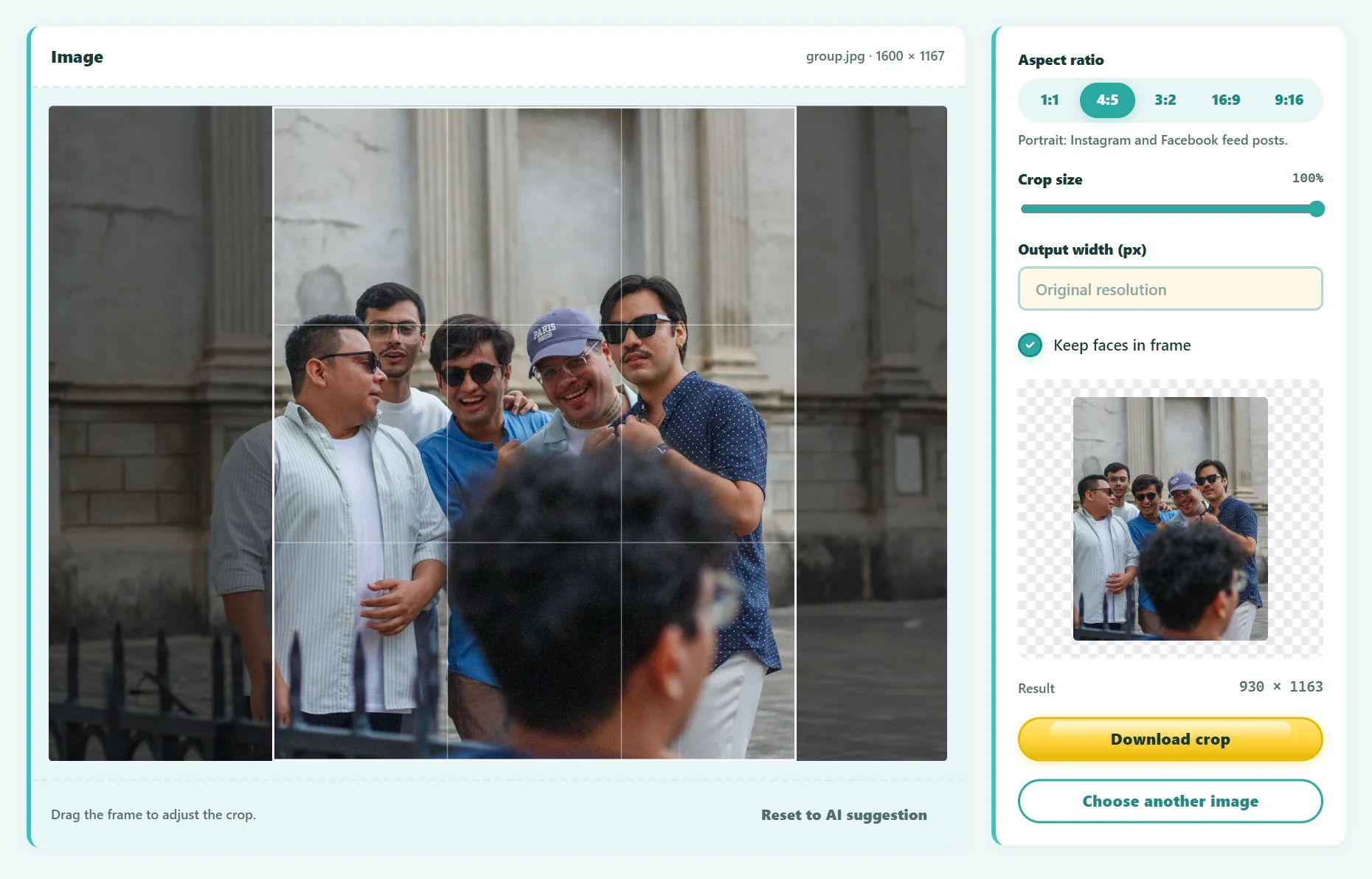
GuideSocial Media Image Sizes and Aspect Ratios: The Complete Cheat Sheet
The right image sizes and aspect ratios for Instagram, TikTok, YouTube, Facebook, LinkedIn, X and Pinterest, plus how to crop without cutting off faces.
 Guide
GuideWhat Is Object Detection? How Computers Find Things in Images
What object detection is, how it differs from image classification and segmentation, how models like YOLO and DETR work, and how to try it in your browser.
 Guide
GuideHow to Get a Color Palette From an Image
Extract a color palette from any photo or logo, get HEX, RGB and HSL codes, and turn it into a usable brand or website color scheme.
 Guide
GuideWebP vs PNG vs JPG: Which Image Format Should You Use?
A clear comparison of WebP, PNG, JPG, AVIF and SVG: file size, quality, transparency and compatibility, with a simple rule for picking the right format.
 Guide
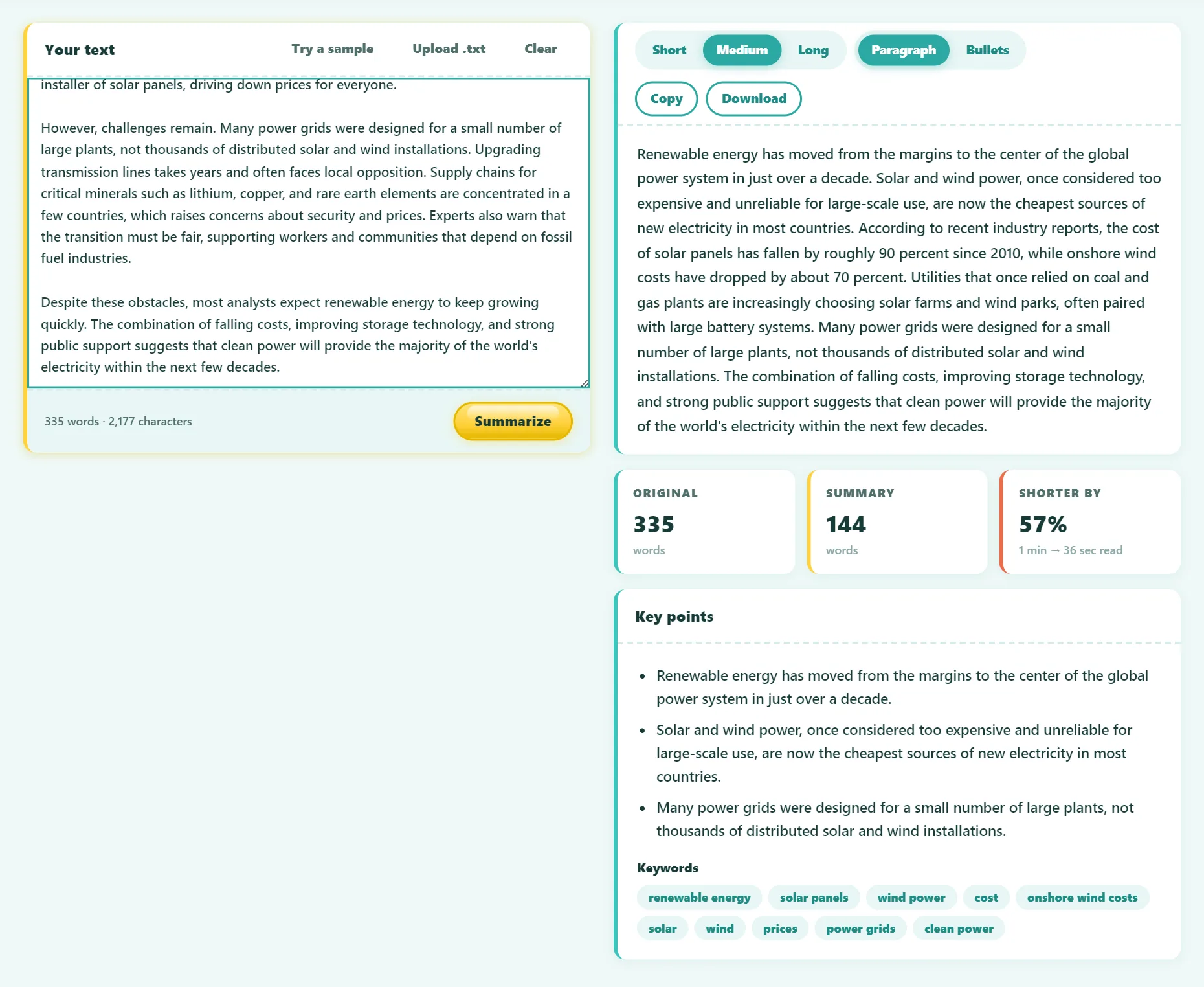
GuideHow to Summarize an Article (Quickly and Accurately)
A practical method for summarizing any article, report or chapter by hand or with a free summarizer, plus how extractive and AI summaries differ.
 Guide
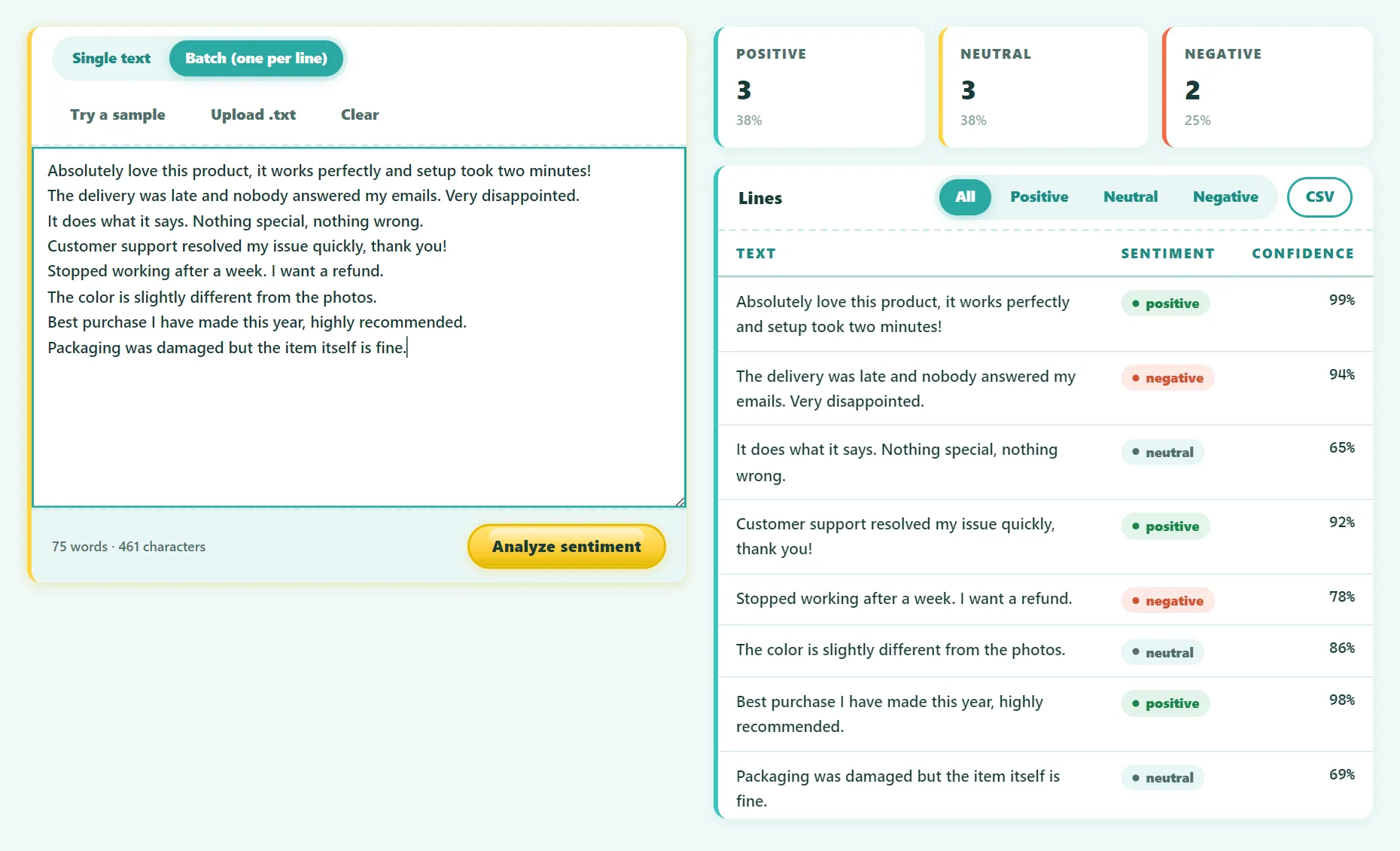
GuideSentiment Analysis of Customer Reviews: A Practical Guide
Learn how sentiment analysis works and how to score hundreds of customer reviews as positive, neutral or negative for free, then turn the results into action.
 Guide
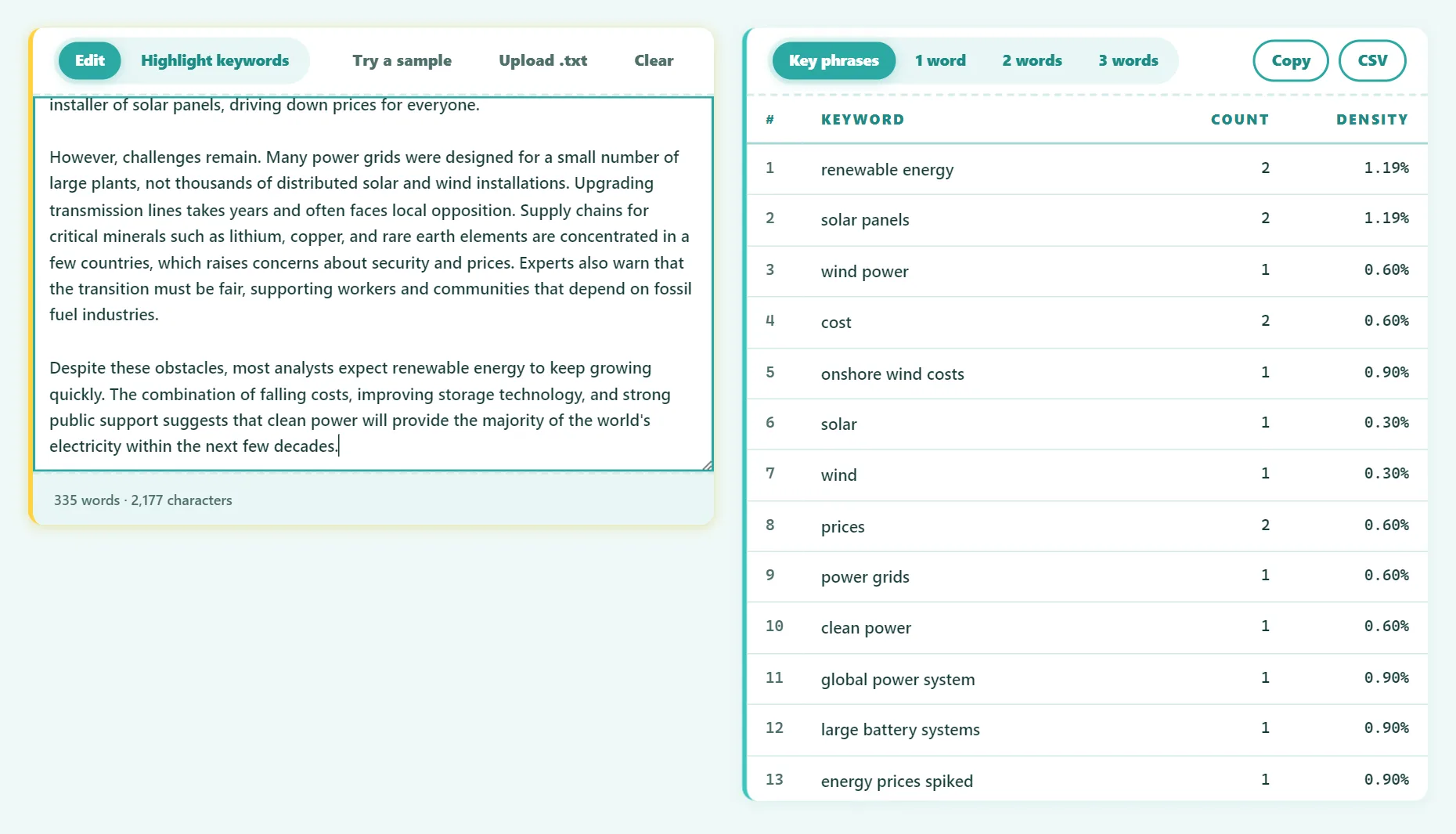
GuideWhat Is Keyword Density, and Does It Still Matter for SEO?
What keyword density is, how to calculate it, what Google says about it, and how to use keywords naturally so your content ranks without keyword stuffing.
 Guide
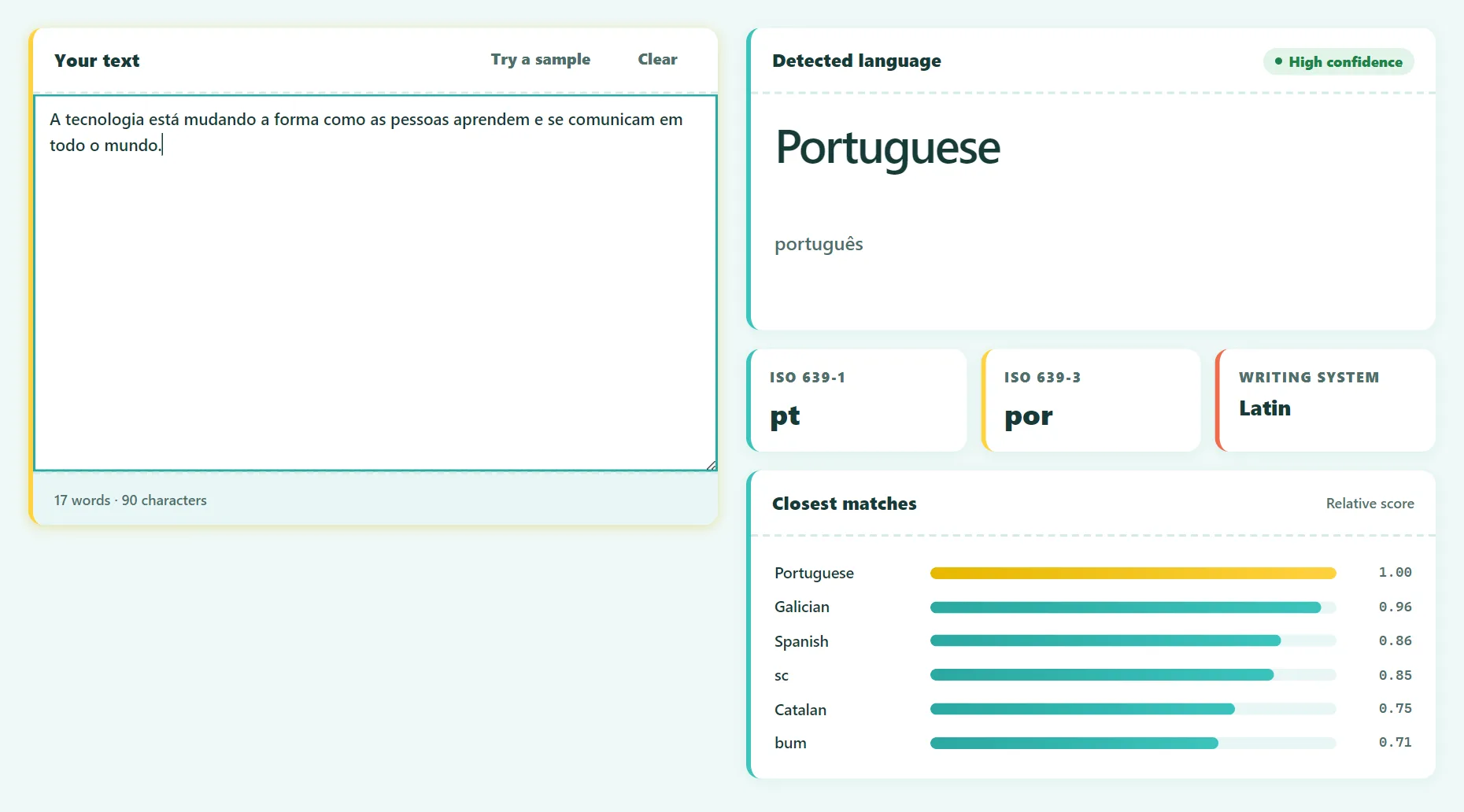
GuideWhat Language Is This? How to Identify Any Language From Text
Identify the language of any text in seconds. Clues from alphabets and special letters, how language detection works, and ISO language codes explained.
 Guide
GuideHow to Paraphrase Without Plagiarizing
How to paraphrase correctly: a 5-step method, good and bad examples, when to quote instead, and how to use a paraphrasing tool responsibly.
 Guide
GuideFlesch Reading Ease: What Your Score Means and How to Improve It
What Flesch Reading Ease and Flesch-Kincaid Grade Level scores mean, how they're calculated, what to aim for, and 8 ways to make writing easier to read.
 Guide
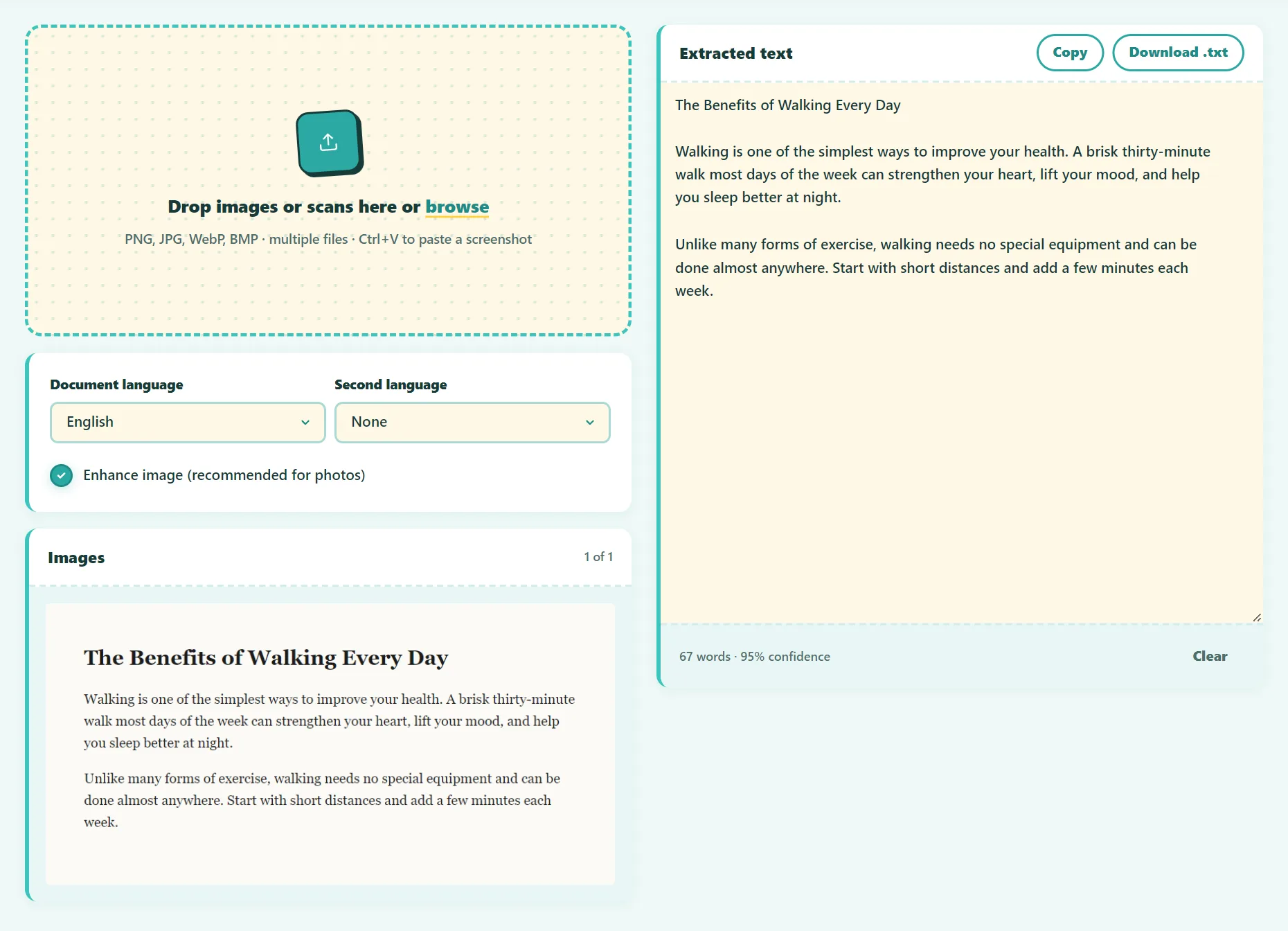
GuideHow to Extract Text From an Image: 5 Free Ways
Copy text from any image, screenshot or scan for free: online OCR, Windows, Mac, iPhone and Android. Plus tips to get near-perfect accuracy.
 Guide
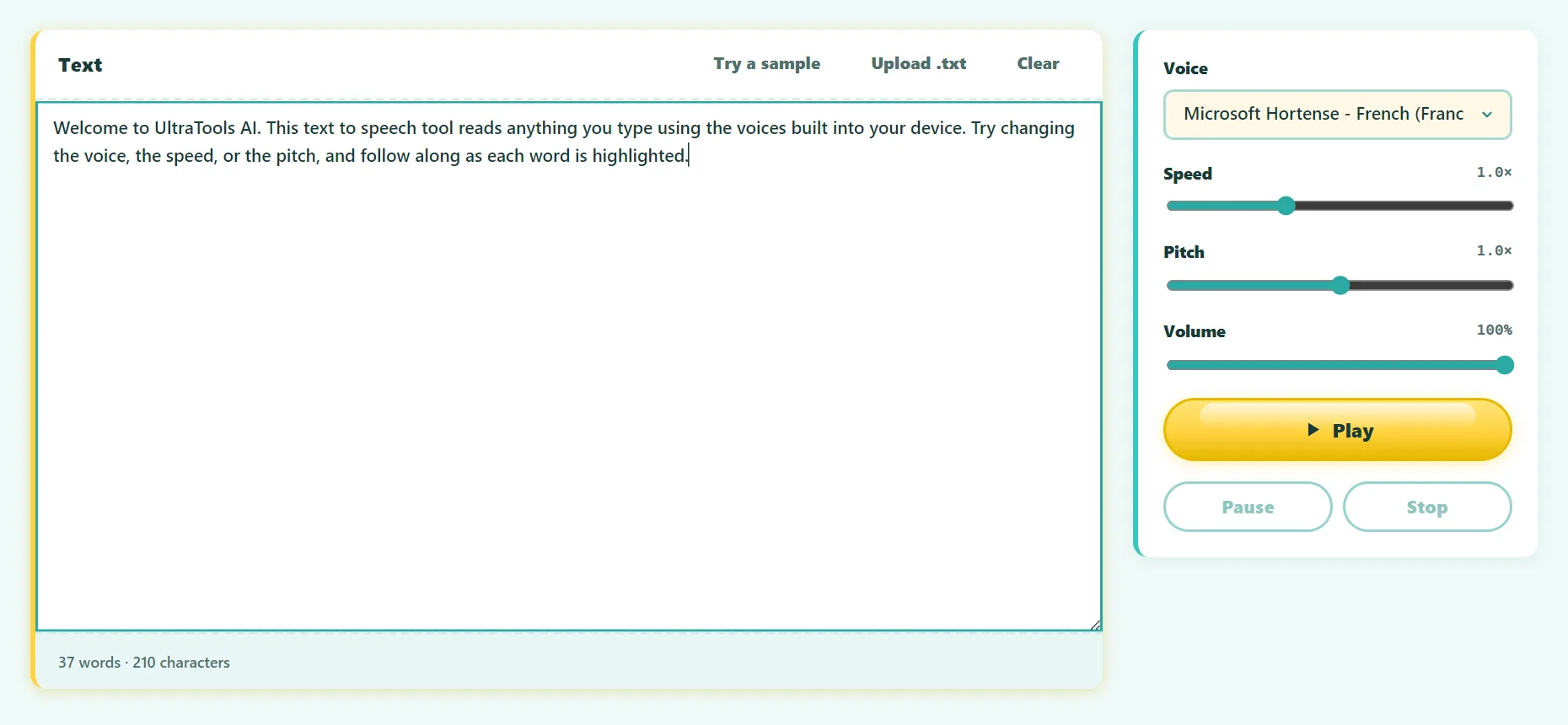
GuideHow to Have Text Read Aloud to You on Any Device
Make your computer or phone read text aloud for free: in your browser, Edge, Windows, Mac, iPhone and Android. Plus tips for natural-sounding voices.
 Guide
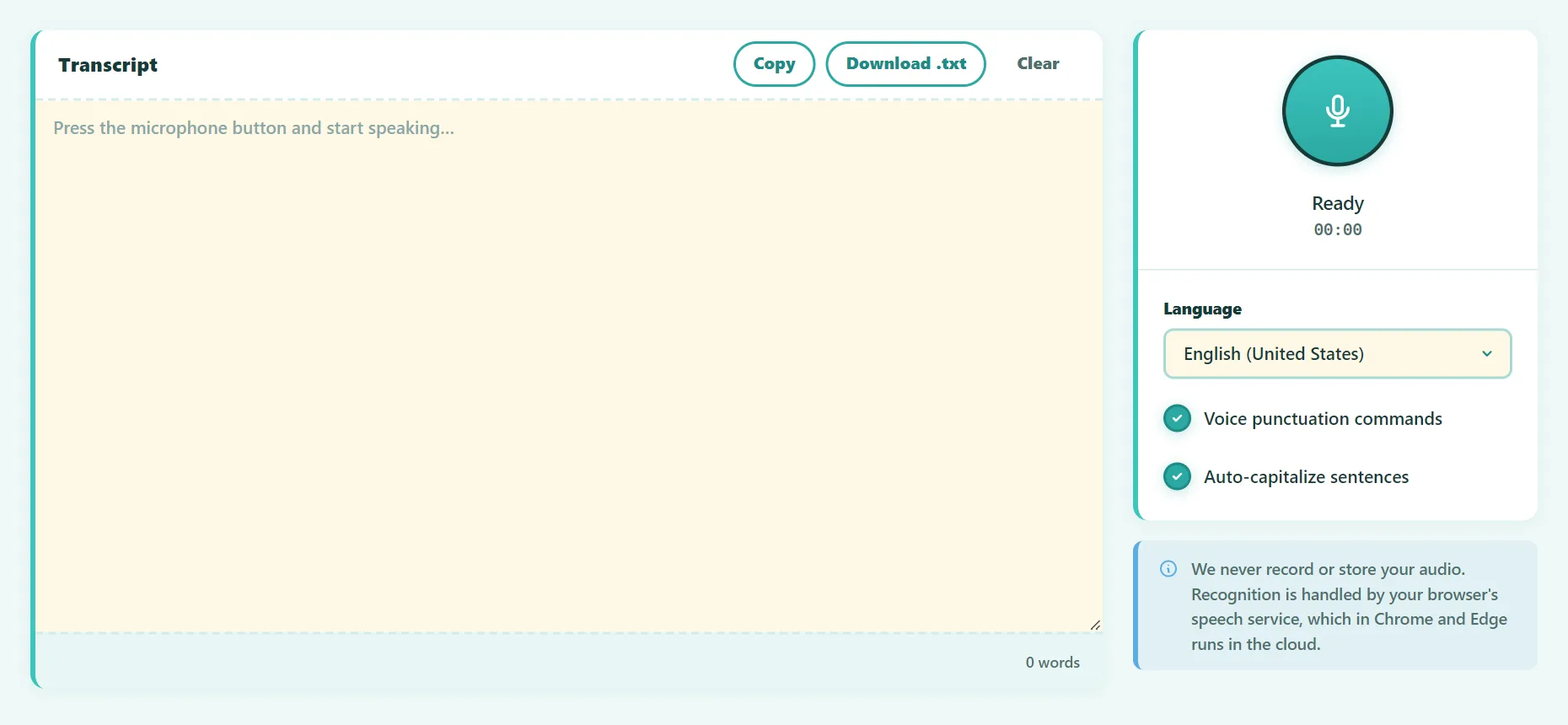
GuideVoice Typing: How to Type With Your Voice on Any Device
How to type with your voice on any device for free: browser dictation, Windows, Mac, Google Docs, iPhone and Android, plus voice commands and accuracy tips.
 Guide
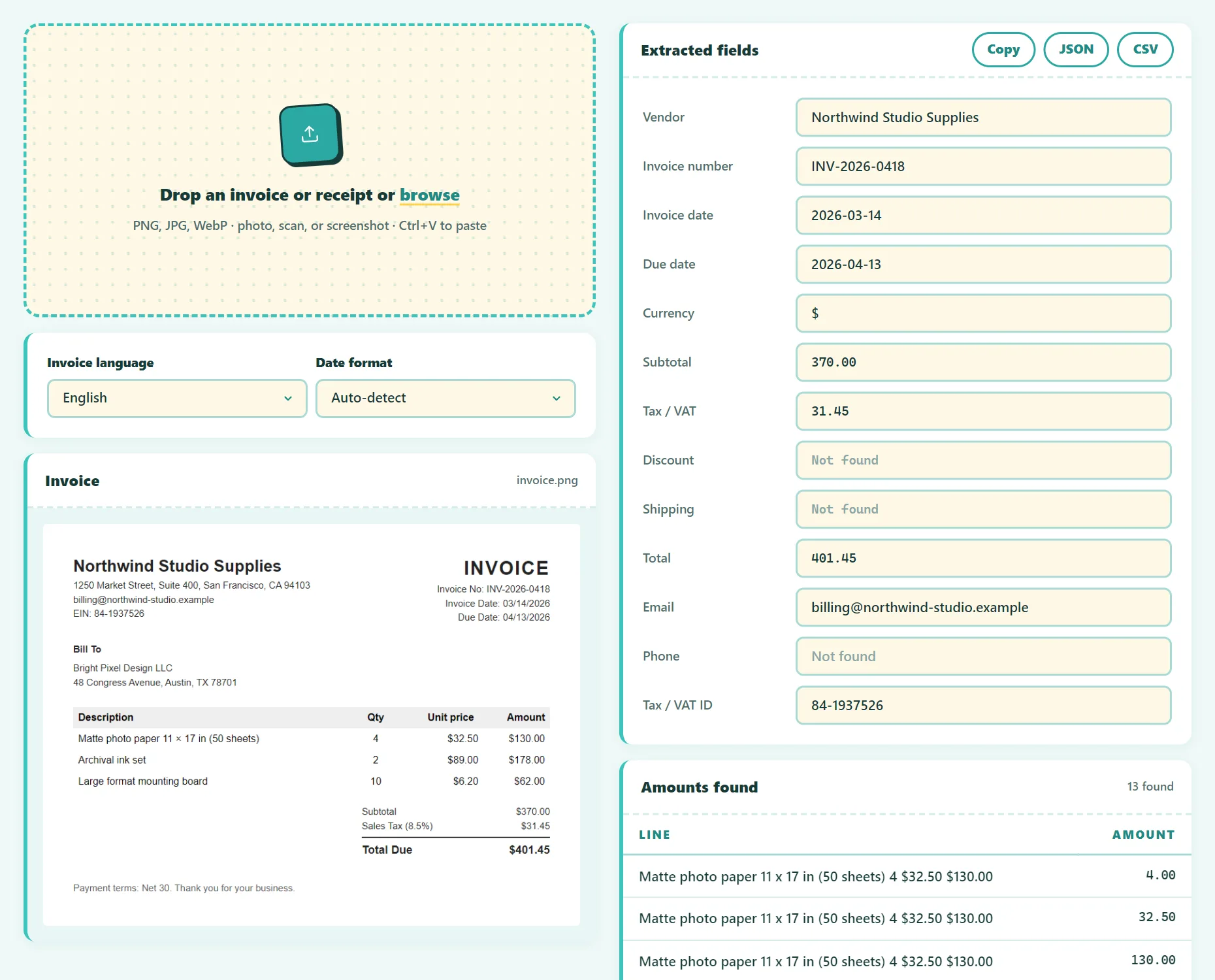
GuideHow to Extract Data From Invoices and Receipts Automatically
Stop typing invoices by hand. How invoice data extraction works, which fields to capture, and how to turn invoice images into a CSV for Excel.
 Guide
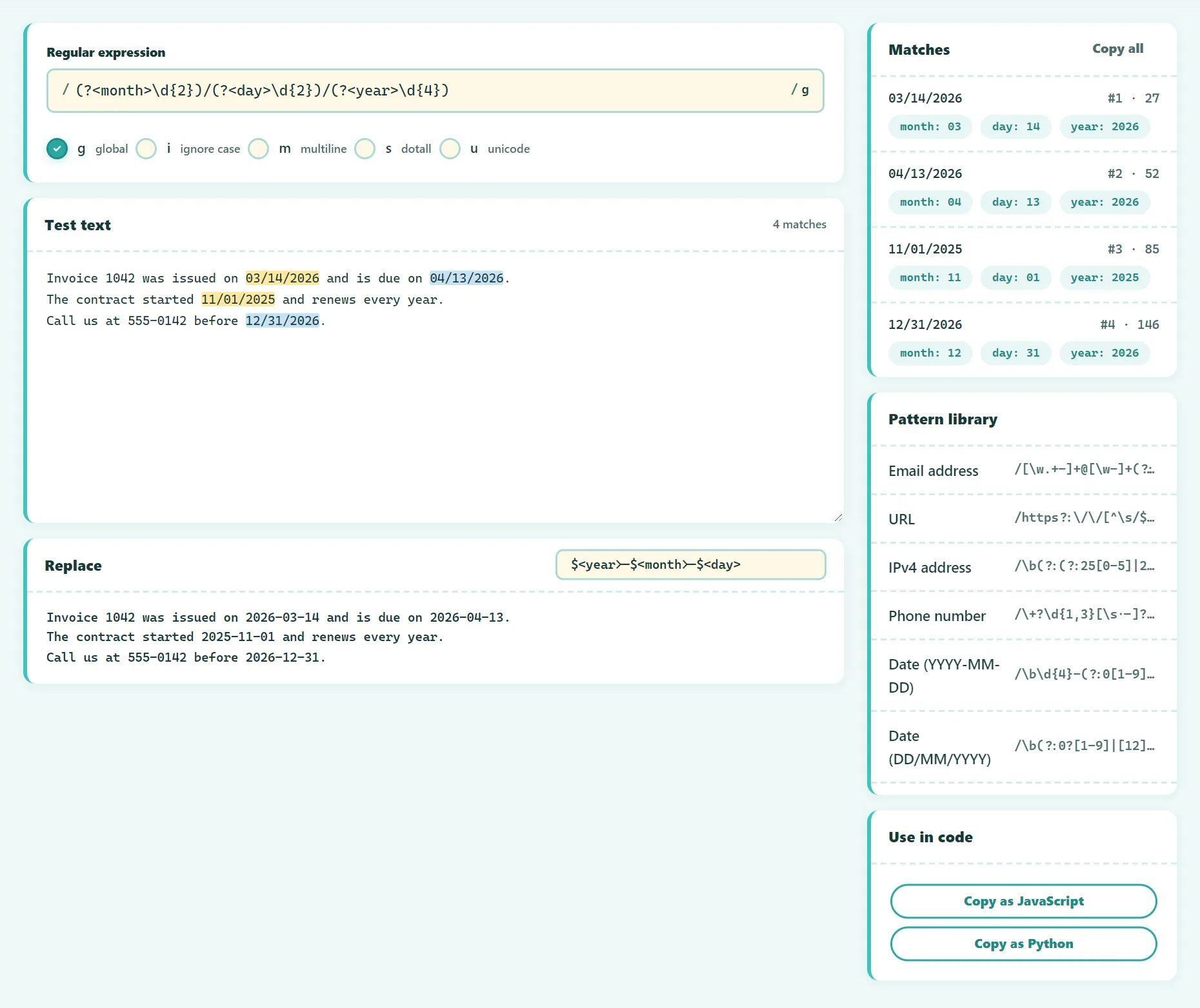
GuideRegex Cheat Sheet: Regular Expressions Explained With Examples
A practical regex cheat sheet with examples: character classes, quantifiers, anchors, groups, lookarounds, flags, and patterns for emails and dates.
 Guide
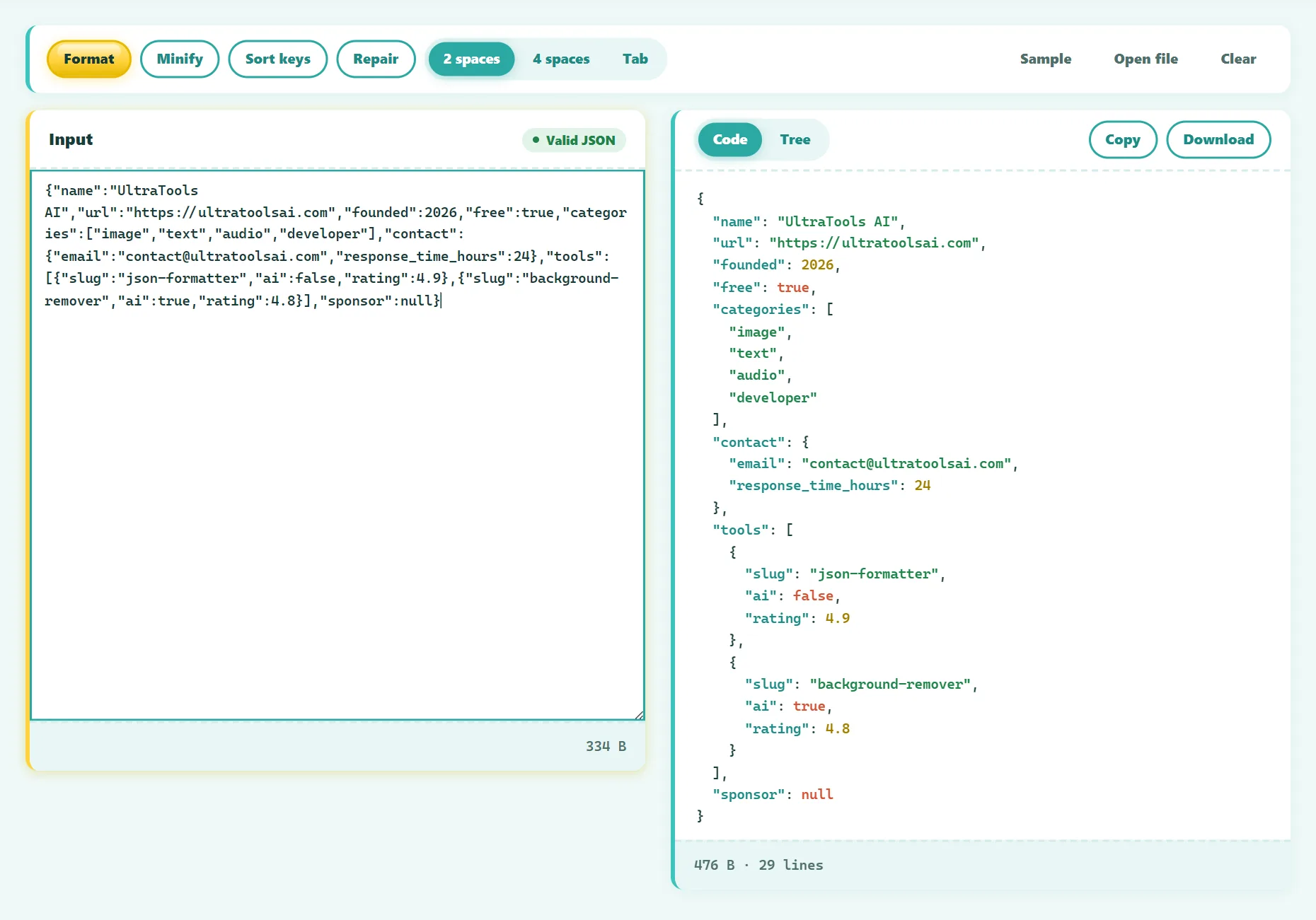
GuideHow to Fix Invalid JSON: The 8 Most Common Errors
Fix 'Unexpected token' and other JSON parse errors: trailing commas, single quotes, unquoted keys, comments and more, with before-and-after examples.
 Guide
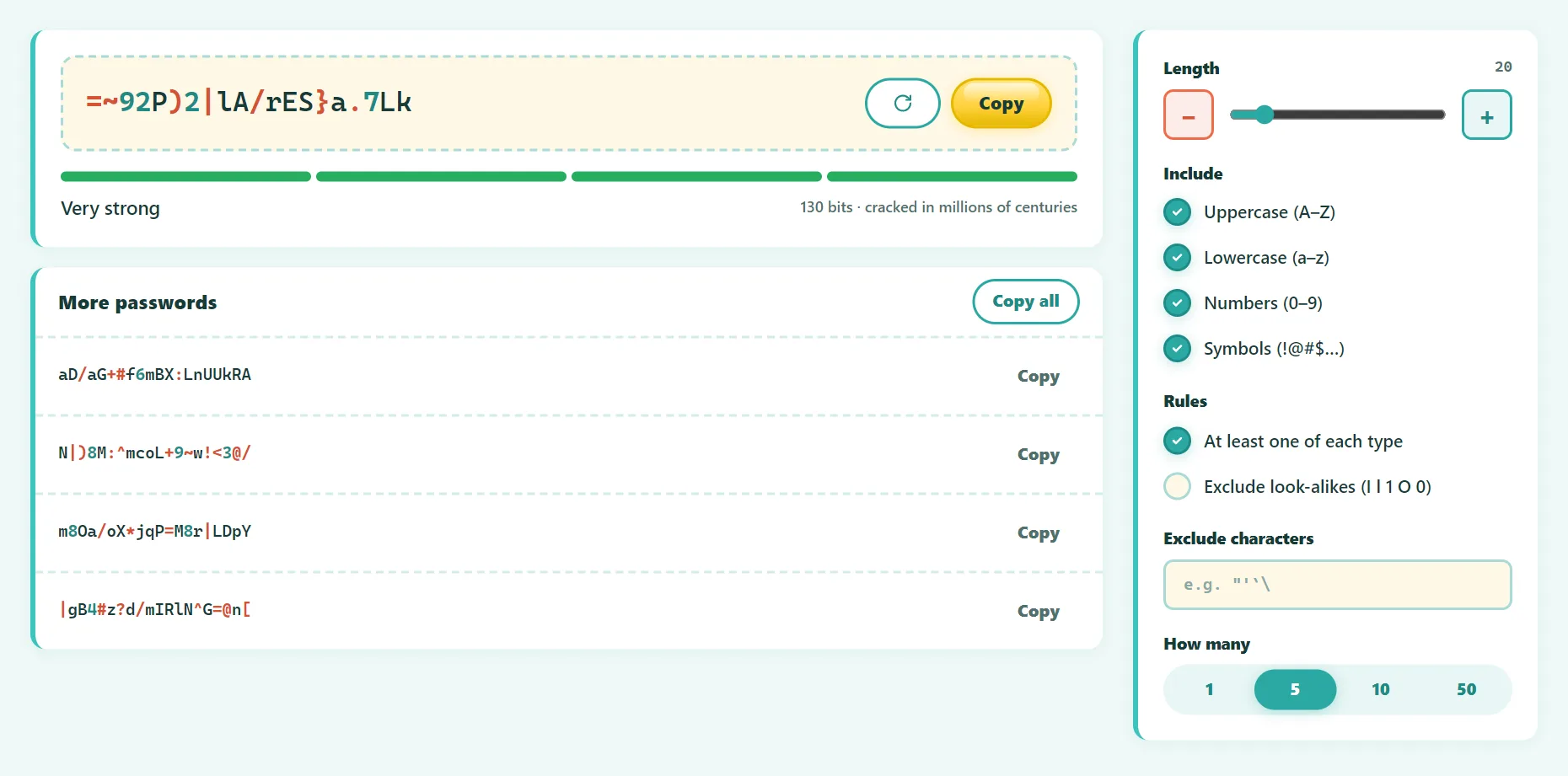
GuideHow to Create a Strong Password You Don't Have to Remember
What makes a password strong in 2026: length, randomness, passphrases, password managers and 2FA, based on current security guidance. With a free generator.
 Guide
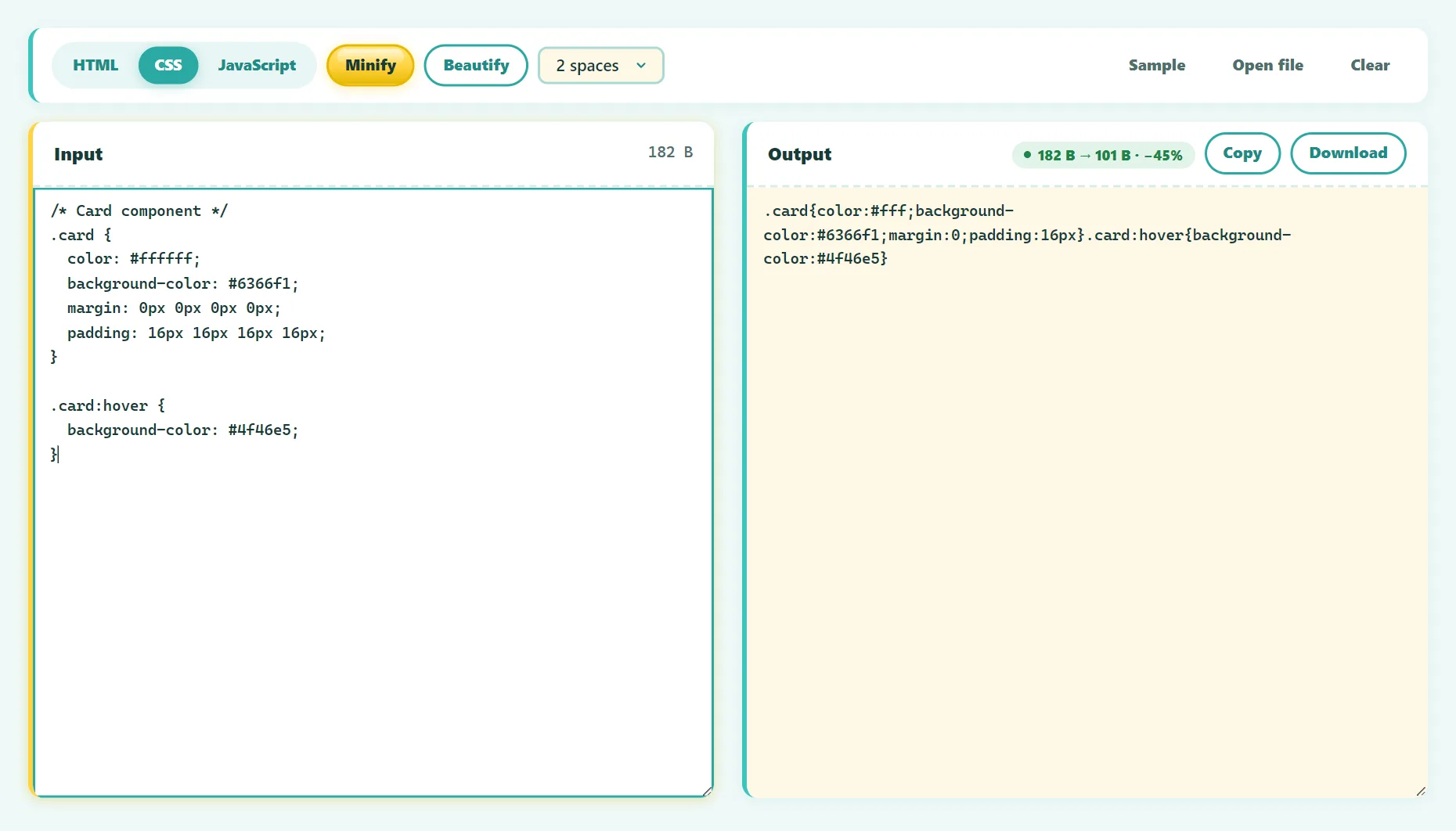
GuideHow to Minify CSS, JavaScript and HTML for a Faster Website
What minification is, how much it saves, how it differs from compression, and how to minify CSS, JS and HTML safely with free tools or your build process.
 Guide
GuideMarkdown Cheat Sheet: Every Syntax You Need, With Examples
A complete Markdown cheat sheet: headings, bold, links, images, lists, task lists, tables, code blocks and more, including GitHub Flavored Markdown.
 Guide
GuideWhat Is Base64 Encoding? A Simple Explanation With Examples
Base64 explained simply: how encoding works step by step, why data grows by 33%, URL-safe Base64, data URLs, and why Base64 is not encryption.
 Guide
GuideHow to Verify a File Checksum (SHA-256 and MD5)
Check that a download wasn't corrupted or tampered with: verify SHA-256 and MD5 checksums on Windows, Mac, Linux or in your browser. MD5 vs SHA-256 explained.
 Guide
GuideHow to Create a QR Code for Your Wi-Fi Network
Make a Wi-Fi QR code so guests can connect with one scan, no password typing. How it works, how to print it, security tips, and the WIFI: format explained.
How we write these guides
Every article is written to answer a real question completely, so you don't need to open five other tabs. We explain how things work, include free built-in alternatives when they exist, and only recommend our own tools where they genuinely help. Guides are reviewed and updated when tools, platforms, or best practices change. Spotted a mistake? Write to contact@ultratoolsai.com.