What Is Object Detection? How Computers Find Things in Images
Self-driving cars, supermarket checkouts and your phone's camera all rely on the same idea: finding and naming the objects in a picture. Here's how object detection works, in plain English.
Quick answer
Object detection is a computer vision task where an AI model finds every object of interest in an image, draws a bounding box around each one, and labels it with a class (such as "person" or "car") and a confidence score. It's used in self-driving cars, security cameras, retail, robotics and photo apps.

When you look at a street photo, you instantly see three people, two cars, a dog and a traffic light. For a computer, that same photo is just millions of numbers describing pixel colors. Object detection is the technology that turns those numbers into a list of things and where they are.
Object detection vs classification vs segmentation
Computer vision has a few closely related tasks, and they're easy to confuse:
| Task | Question it answers | Output |
|---|---|---|
| Image classification | What is this image of? | One label for the whole image ("dog") |
| Object detection | What objects are here, and where? | A box, label and score for each object |
| Semantic segmentation | Which pixels belong to which class? | A colored mask over the image |
| Instance segmentation | Which exact pixels belong to each object? | A separate mask per object |
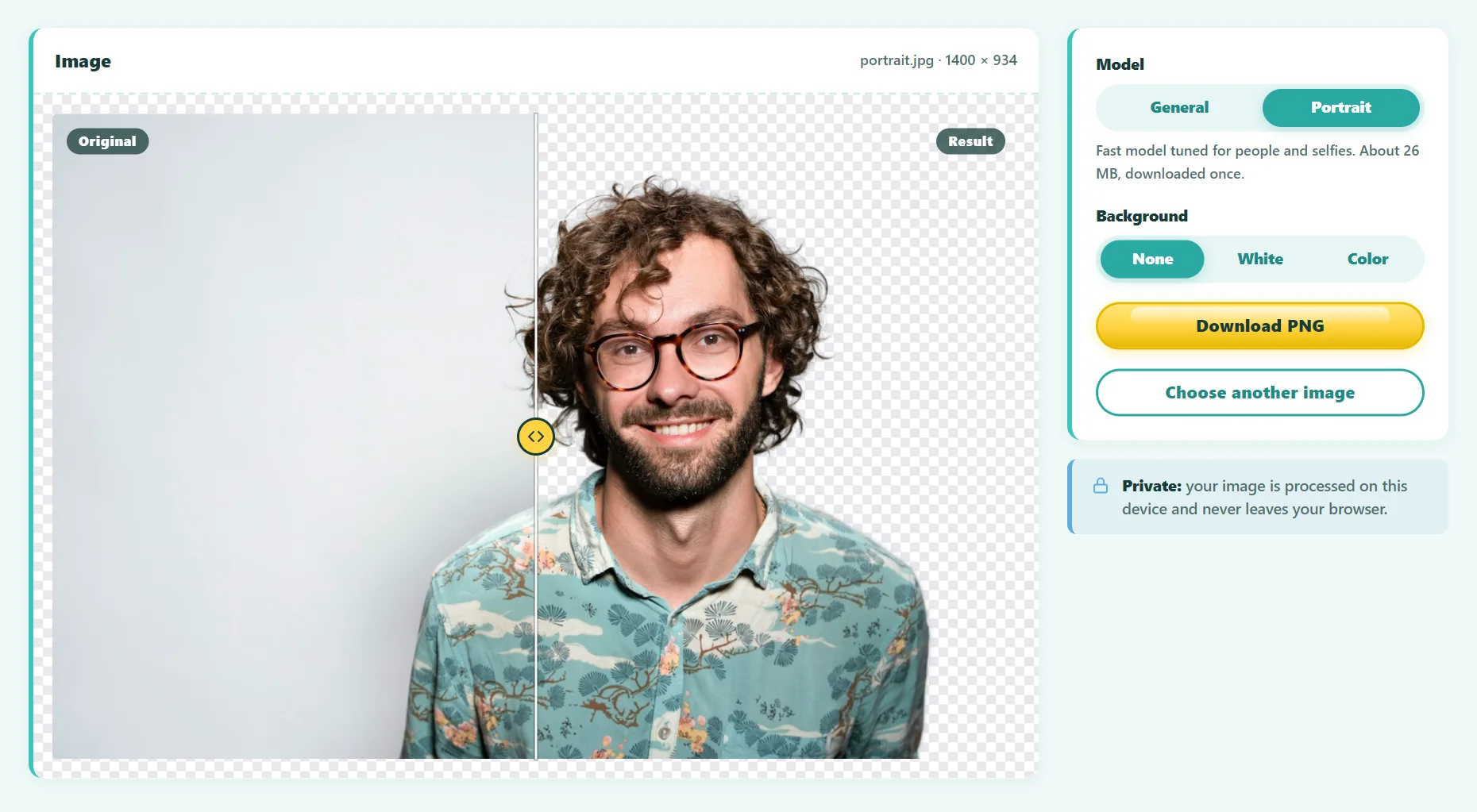
Detection sits in the middle: more detailed than classification, but faster and simpler than segmenting every pixel. A background remover, for example, uses segmentation, because it needs the exact outline.
How object detection works
Every modern detector has two jobs: understand what's in the image, and pinpoint where each thing is.
- Feature extraction. A neural network called a backbone (often a convolutional network such as ResNet) scans the image and turns it into a compact map of visual features: edges, textures, shapes and eventually whole parts like wheels or faces.
- Prediction. A detection head uses those features to predict boxes, each with a class and a confidence score.
- Clean-up. Overlapping guesses for the same object are merged or removed, and low-confidence results are filtered out.
The main families of detectors
- Two-stage detectors (such as Faster R-CNN) first propose regions that might contain objects, then classify each region. Accurate, but slower.
- One-stage detectors (such as YOLO, "You Only Look Once") predict boxes and classes in a single pass. They're fast enough for real-time video.
- Transformer detectors (such as DETR, from Meta AI) look at the whole image at once using attention and predict a set of objects directly, without hand-tuned clean-up steps.
What is the COCO dataset?
Most general-purpose detectors are trained on COCO (Common Objects in Context), a public dataset of more than 200,000 labeled images. It covers 80 everyday categories: people, animals, vehicles, furniture, electronics, kitchen items, food and sports equipment. If a model says it detects "80 classes", it's almost always these.
The flip side is that a COCO-trained model only knows those 80 classes. Ask it to find screwdrivers or specific product brands, and it either ignores them or picks the closest category. For custom objects, companies fine-tune a detector on their own labeled photos.
Try object detection in your browser
- Open the free Object Detection tool.
- Drop in a photo. The DETR model (about 43 MB) downloads once and runs on your device.
- Each object is boxed and labeled with a confidence score.
- Move the confidence threshold to show more or fewer detections.
- Download the labeled image, or export the results as JSON for your own code.
Try it free: Object Detection
Detect and label people, animals, vehicles, and everyday objects. Runs in your browser, no sign-up.
Understanding confidence scores
Every detection comes with a score between 0 and 1 (or 0% and 100%). It's the model's estimate of how likely the box really contains that object. The threshold decides which detections you see:
- High threshold (e.g. 0.9): fewer false alarms, but small or partly hidden objects may be missed.
- Low threshold (e.g. 0.5): more objects found, but more mistakes.
The right setting depends on the job. A security system that alerts a person might accept a few false alarms. An automatic counter in a report needs high precision.
Real-world uses of object detection
- Autonomous vehicles detect pedestrians, cyclists, cars, signs and traffic lights.
- Retail uses it for self-checkout, shelf monitoring and counting foot traffic.
- Manufacturing spots defects and checks that parts are present.
- Agriculture counts fruit, detects weeds and monitors livestock.
- Accessibility apps describe the surroundings to blind and low-vision users.
- Photo apps use it to organize libraries ("show me photos with dogs").
Frequently asked questions
Is object detection the same as facial recognition?
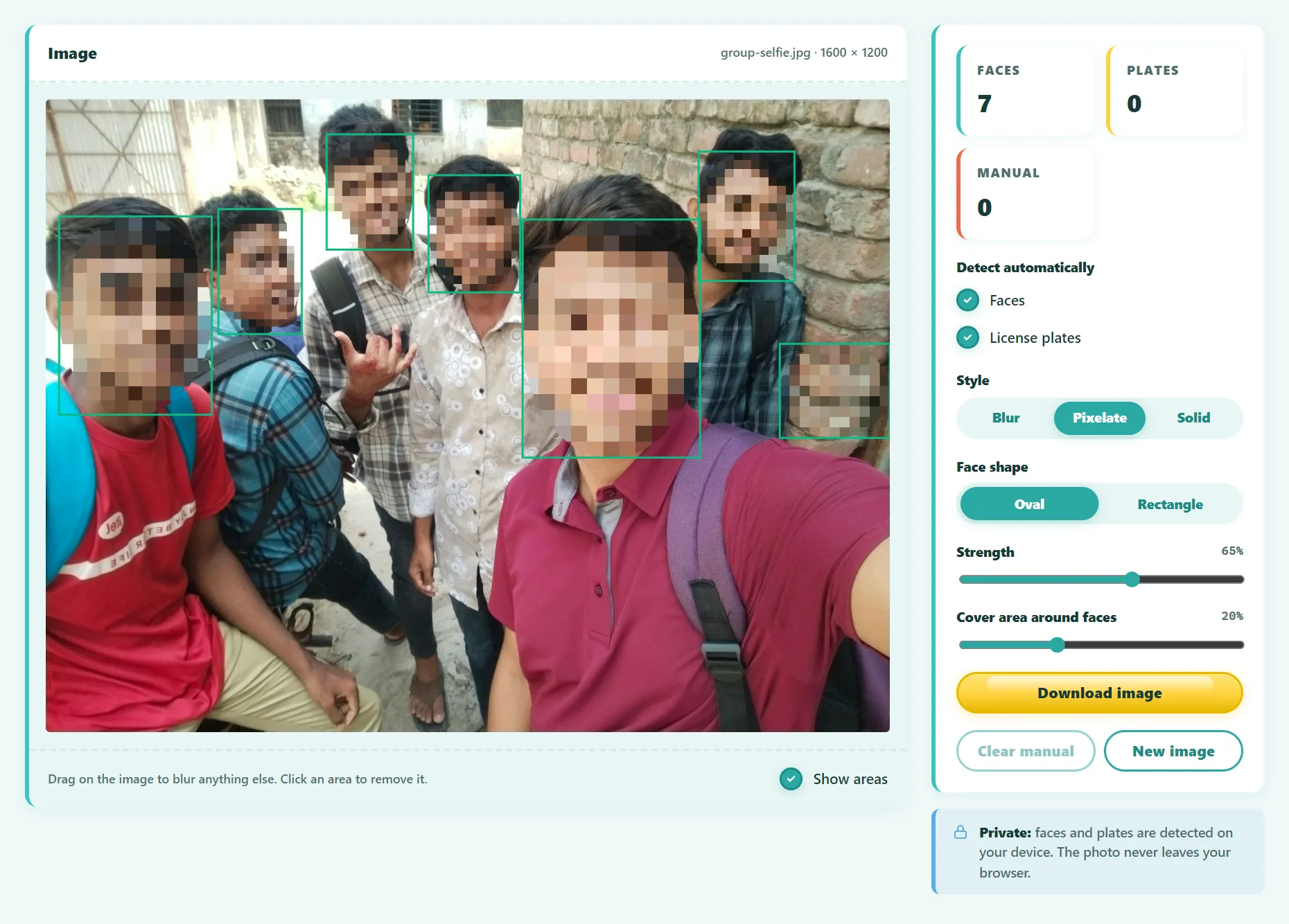
No. Detecting a face means finding where faces are. Recognizing a face means identifying who the person is, which is a separate, much more sensitive task.
What is a bounding box?
A rectangle that marks where an object is, usually stored as the x and y position of a corner plus a width and height in pixels.
Which is better, YOLO or DETR?
It depends on the job. YOLO models are optimized for real-time speed. DETR is simpler in design and handles crowded scenes well. Both are widely used.
Can I use detection results in my own project?
Yes. Exporting JSON gives you each label, score and box in pixel coordinates, which is a good starting point for prototypes or labeling.
The bottom line
Object detection answers two questions at once: what's in the picture, and where. Modern models do it in a fraction of a second, and you can now run them right in a web browser to see how they work on your own photos.
Found something out of date or unclear? Email contact@ultratoolsai.com and we'll fix it.