Free AI tools for images, text & code.
Fast, private, in your browser.
AI-powered tools for images, text, audio, and code. Your files are processed on your own device, so nothing is uploaded. No sign-up. No clutter.
- Free to use
- No account needed
- Files stay on your device
Pick a tool. Get it done.
25 focused tools, each built to do one job quickly and well.
AI Background Remover
Remove image backgrounds automatically and download a transparent PNG.
AI Image Upscaler
Upscale low-resolution images 2× or 4× with AI super-resolution.
Face Blur
Detect and blur faces and license plates automatically to protect privacy.
Smart Image Cropper
Crop to any aspect ratio while keeping faces and the main subject in frame.
Object Detection
Detect and label people, animals, vehicles, and everyday objects.
Color Palette Generator
Extract a harmonious HEX / RGB palette from any image.
Image Converter
Convert images between WebP, PNG, JPG, and SVG in batches.
AI Text Summarizer
Summarize long articles and pull out the key points.
Sentiment Analyzer
Classify text and customer reviews as positive, neutral, or negative.
Keyword Extractor
Find the most important keywords and phrases for SEO.
Language Detector
Identify the language of any text among 180+ languages.
Paraphrasing Tool
Rewrite simple English text by swapping words for synonyms.
Readability Checker
Get Flesch-Kincaid and other readability scores with tips.
Image to Text (OCR)
Extract text from images and scans, then export it as a .txt file.
Text to Speech
Read text aloud with your browser’s built-in voices.
Speech to Text
Dictate with your microphone and see the words appear live.
Invoice Data Extractor
Pull dates, totals, and invoice numbers from invoice images.
Regex Tester
Test regular expressions live, with match groups and a pattern library.
JSON Formatter & Validator
Format, minify, validate, and explore JSON as a tree.
Secure Password Generator
Generate strong random passwords and copy them in one click.
Code Minifier & Beautifier
Minify or beautify HTML, CSS, and JavaScript.
Markdown to HTML
Write Markdown with a live preview and export clean HTML.
Base64 Encoder / Decoder
Encode or decode text and images to and from Base64.
Hash Generator
Generate MD5, SHA-1, and SHA-256 hashes for text and files.
QR Code Generator
Create QR codes for links, Wi-Fi, contacts, and more.
No tools match your search. Try a different keyword.
Built to be fast, simple, and private
Everything is designed so you spend less time fiddling and more time finishing.
Private by design
Tools run in your browser. Your images, documents, and text are never uploaded to our servers.
On-device AI
Modern AI models run locally to remove backgrounds, upscale images, detect objects, and read text.
Lightning fast
No upload queues. Results appear as fast as your device can compute them.
No sign-up required
Open a tool and start working immediately. No accounts, no friction.
Download once, start instantly
AI models download once and are cached by your browser, so later visits start instantly.
Works everywhere
A responsive interface that feels right on phones, tablets, and desktops.
From idea to result in three steps
No learning curve. If you can paste text or drop a file, you're ready.
-
01
Choose a tool
Browse by category or search for exactly what you need.
-
02
Add your input
Paste your text, drop in a file, or set a few simple options.
-
03
Get your result
Copy or download it instantly, and get on with your day.
Latest posts
Our newest step-by-step guides on images, writing, documents, and code.
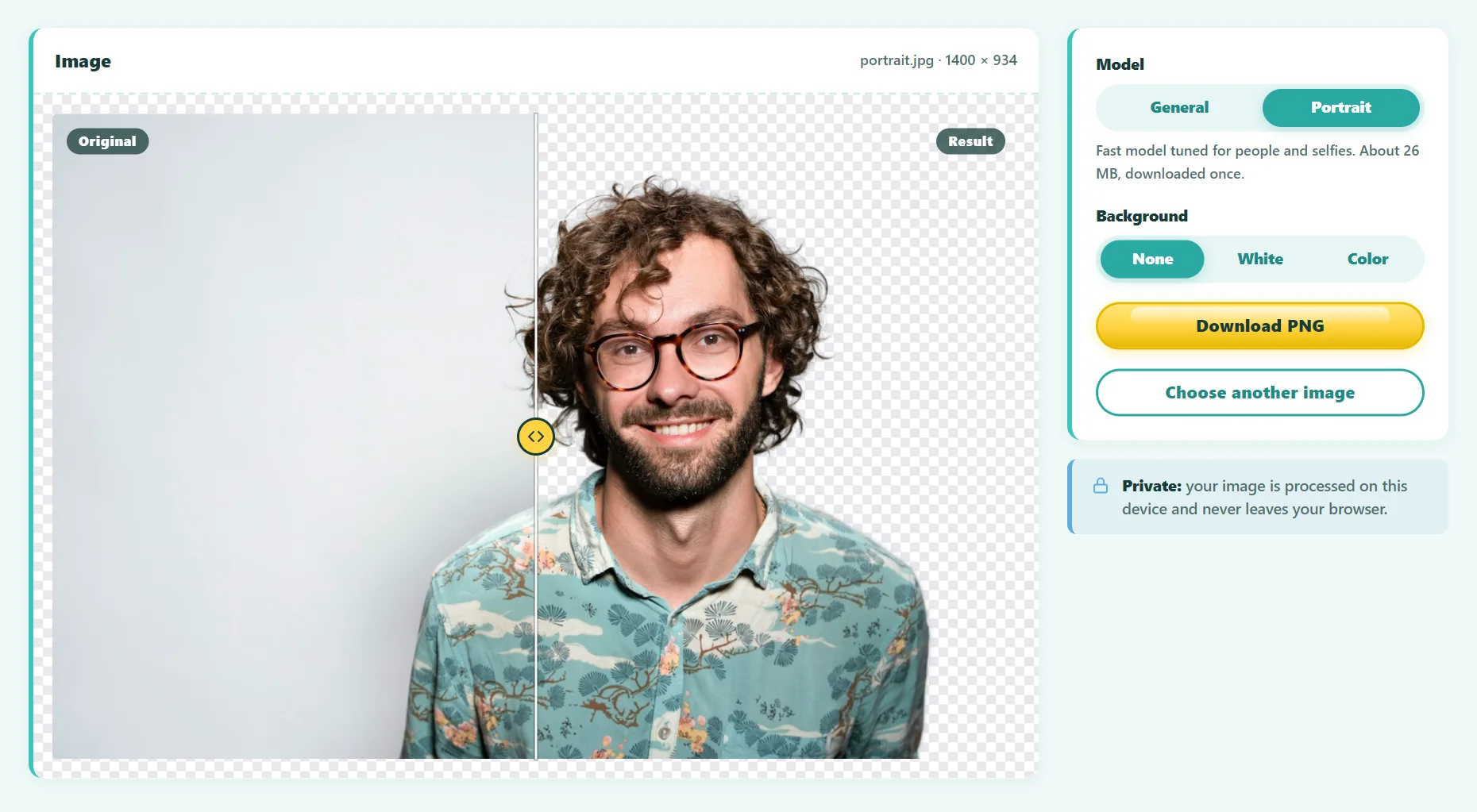 Guide
GuideHow to Remove the Background From an Image: 4 Free Methods
Remove an image background for free in seconds: with an AI tool, on iPhone, on Mac, or in Windows. Plus tips for clean edges, product photos, and hair.
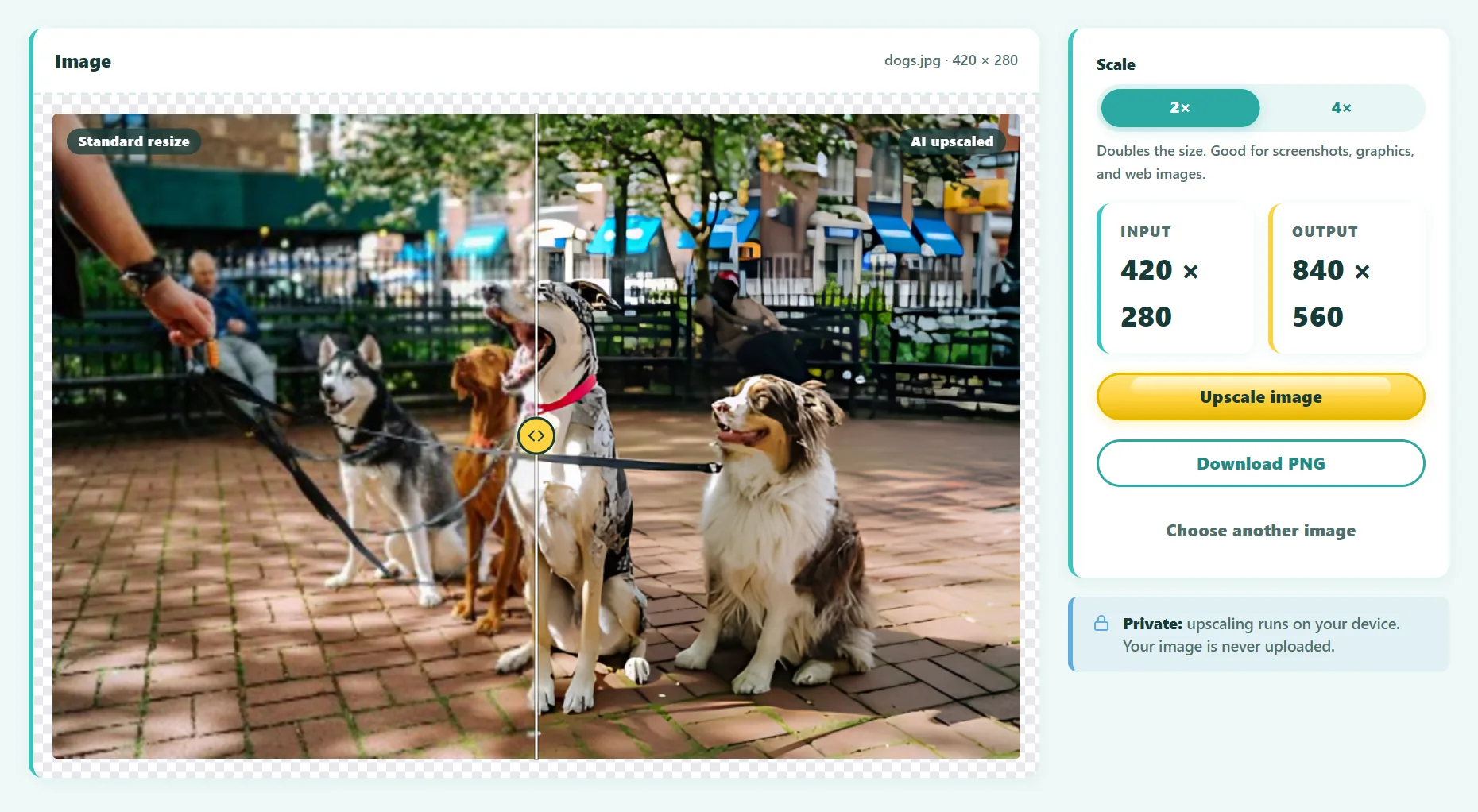 Guide
GuideHow to Upscale an Image Without Losing Quality
Why normal resizing makes images blurry, how AI upscaling fixes it, and how to enlarge a photo 2× or 4× for free while keeping it sharp.
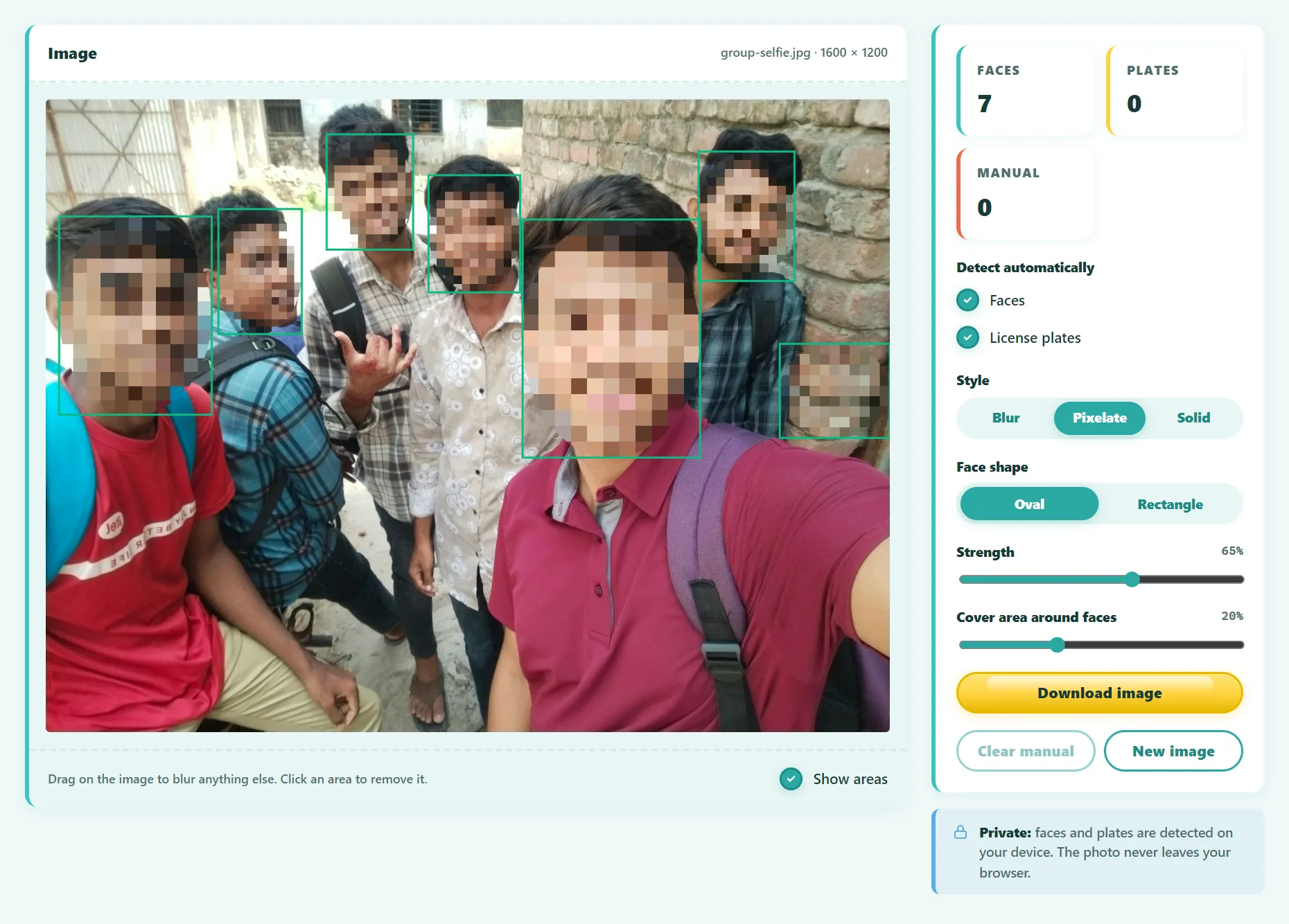 Guide
GuideHow to Blur Faces in Photos Before You Share Them
Blur faces and license plates in photos automatically before posting. Which blur style is truly irreversible, when you need consent, and a step-by-step guide.
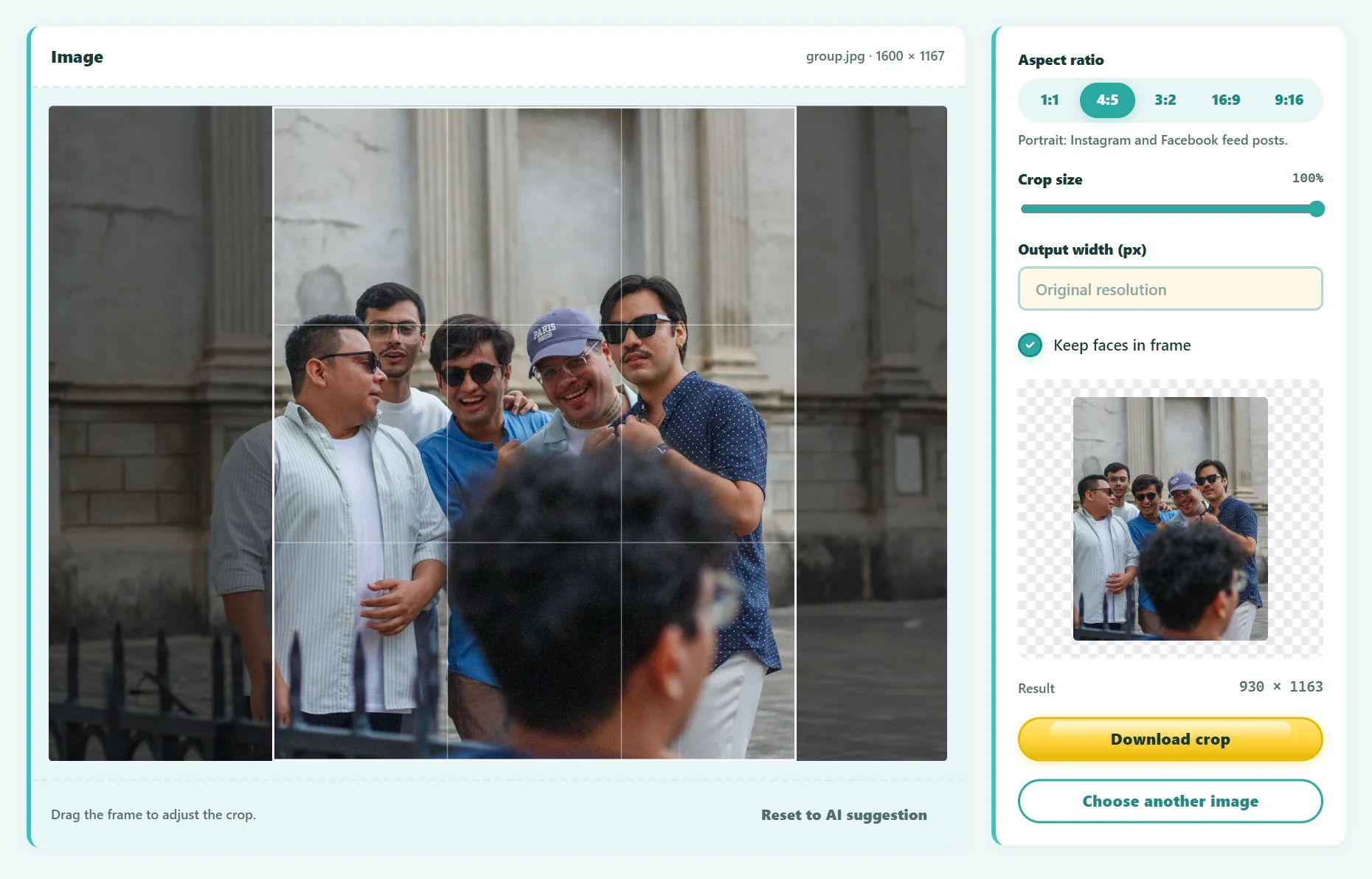 Guide
GuideSocial Media Image Sizes and Aspect Ratios: The Complete Cheat Sheet
The right image sizes and aspect ratios for Instagram, TikTok, YouTube, Facebook, LinkedIn, X and Pinterest, plus how to crop without cutting off faces.
 Guide
GuideWhat Is Object Detection? How Computers Find Things in Images
What object detection is, how it differs from image classification and segmentation, how models like YOLO and DETR work, and how to try it in your browser.
 Guide
GuideHow to Get a Color Palette From an Image
Extract a color palette from any photo or logo, get HEX, RGB and HSL codes, and turn it into a usable brand or website color scheme.
Frequently asked questions
Can't find what you're looking for? Write to us at contact@ultratoolsai.com.
Is UltraTools AI free to use?
Yes. Every tool is free to use, with no account required.
Are my files uploaded anywhere?
No. Images, documents, and text are processed locally in your browser. The only exception is Speech to Text: some browsers, such as Chrome, send microphone audio to their own speech service to turn it into text.
Why does an AI tool take longer the first time?
AI tools download their model once (typically 7–130 MB). Your browser caches it, so later uses start much faster and the model never needs to be downloaded again.
Which devices and browsers are supported?
All tools work in modern versions of Chrome, Edge, Firefox, and Safari. AI tools run fastest on desktop browsers, and speech recognition works best in Chrome, Edge, and Safari.
Can I suggest a new tool?
Absolutely. Send your idea to contact@ultratoolsai.com and we'll consider it for a future release.
How do I report a bug or get support?
Email contact@ultratoolsai.com with a short description, the tool name, and your browser.
Ready to get more done?
Open UltraTools AI and finish your first task in under a minute.